eBay item photography and content
Show buyers the exact item they’ll receive on eBay.
Give buyers enough detail to inspect the item before they order. We plan listing photos, condition close-ups, and short demonstrations around the item you’re selling.
Share the listing or a set of photos, plus what’s included and which functions you’ve checked.
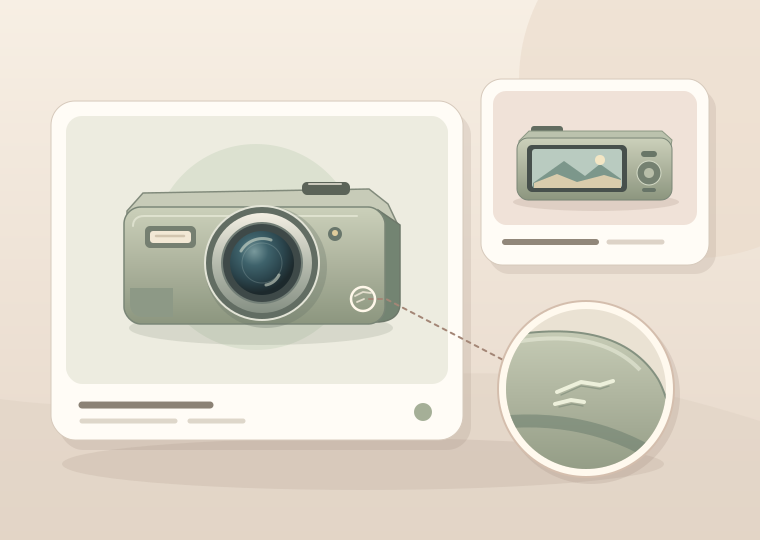
Show what the buyer needs to verify.
Identify the exact model
Show the item from useful angles and capture the model or part number buyers need to check fit.
Document condition
Use a close-up to show wear, damage, or repairs. Include a wider shot so buyers can see the location and extent.
Lay out what’s included
Photograph the item with the accessories, cables, case, or packaging the buyer will receive. Call out expected parts that are missing.
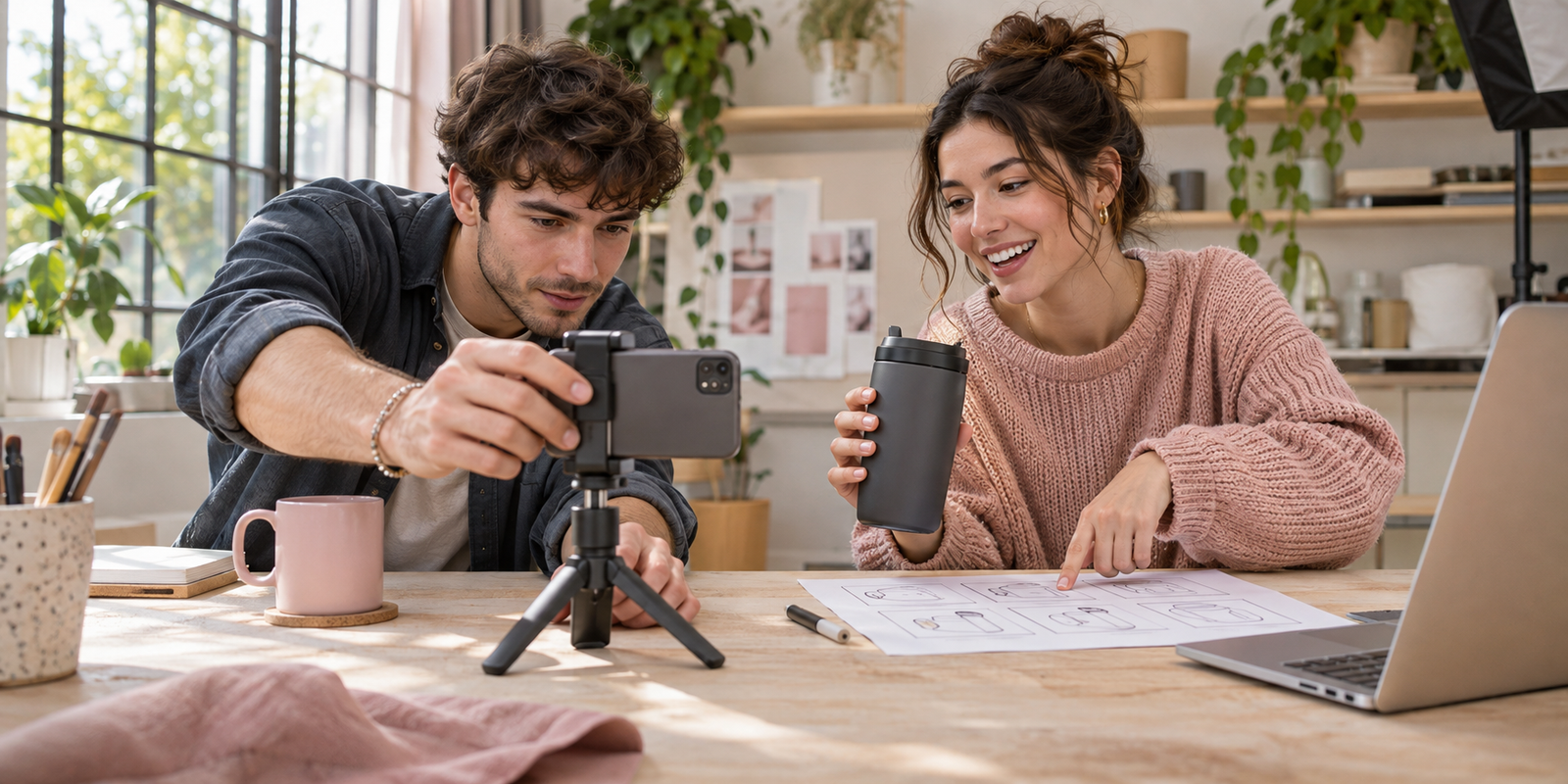
From item inspection to listing
Start with the item in front of you.
For a used digital camera, for example, you might want a photo of the lens and screen, a clear view of the included charger, and a short clip showing the camera power on.
- Record the item, condition, included parts, and completed checks.
- Plan the photos or clip that answer the buyer’s questions.
- Check each file against the item and agreed listing details.
List the details that affect a buying decision.
Condition and known flaws
Keep scratches, dents, repairs, and missing parts visible where they matter. Use accurate lighting so the photos represent the item.
Compatibility you can confirm
Use the model, part number, measurements, or connector type to explain fit. Check compatibility against the manufacturer’s specifications where available.
What a function check shows
Record which function you tested, under what conditions, and what you observed. A clip showing power-on documents that specific check.
Privacy before upload
Check photos for addresses, personal accounts, and private identifiers. Show the model information buyers need and crop unique serial numbers where appropriate.
Six shots for a more informative listing
Use the angles and checks that fit the item you’re selling.
Item overview
Front, back, and sides
Show the full item from enough angles to identify the shape, controls, and finish.
Condition detail
A closer look at wear
Show a scuffed corner in a close-up and a wider view that makes clear where the mark sits.
Included parts
Lay out the actual contents
Photograph a camera with the included charger, battery, and case so buyers can see exactly what comes with it.
Compatibility
Show the connection
Photograph the mount or port from a useful angle and show the model or part number when it helps verify fit.
Scale
Show the dimensions
Put a ruler against the feature a buyer will measure, such as a bag’s opening or the spacing between mounting holes.
Function check
Capture one working feature
Record a short clip showing a tested latch, control, or display and describe the specific result.
Choose a scope for your eBay item.
We quote after reviewing the number of items, available photos, and whether new photography or video is needed.
Listing photo audit
Find the views buyers need for one item.
- Review the photos and condition description.
- Get a prioritized shot list.
Condition photo set
Show the item, its wear, and what’s included.
- Plan overview and condition detail shots.
- Check the images against the included-parts list.
Parts and compatibility
Answer questions about fit and connections.
- Plan photos of the model, part number, and connections.
- Record confirmed measurements and fit details.
Short product demonstration
Show a tested function on camera.
- Agree on the action and how it will be shown.
- Review and deliver the agreed clip.
What you get at handoff
Files organized for your item
Get the approved files labeled by item, with a suggested gallery order and notes on where the condition close-ups belong.
A record of the details shown
See which accessories, measurements, and functions each asset covers. Use those notes to keep your item description in sync with the photos.
Frequently asked questions
Can you help with used or open-box items?
Yes. Share the item, packaging, included parts, and anything you know about its condition. We can plan views that show exactly what’s included and where wear is visible.
Can you use the photos I already have?
Yes. Send the originals so we can check sharpness, lighting, and coverage. We’ll identify which can be reused and which details need another shot.
How do you show a model label without exposing private information?
We keep the model or part number visible where it helps a buyer. When appropriate, we crop or cover a unique serial number, address, or personal information.
What if a feature hasn’t been checked?
We record that it was untested. A demonstration only shows the specific function that was checked and what happened during that check.
Does this service include buying eBay feedback?
No. The work covers listing content such as photos and demonstrations. Marketplace feedback is left by buyers through eBay.
Which eBay item are you listing?
Send the item link or draft, a few photos, and the detail buyers need to verify.