Amazon listing content
Show Amazon shoppers what they need to choose.
A shopper needs to see the exact item, judge its size and know what comes in the box. We plan listing images, product photos and short demos that answer those questions before they buy.
Bring a listing or a product brief. We’ll agree which details matter, what each asset should show and how your team will use the files.
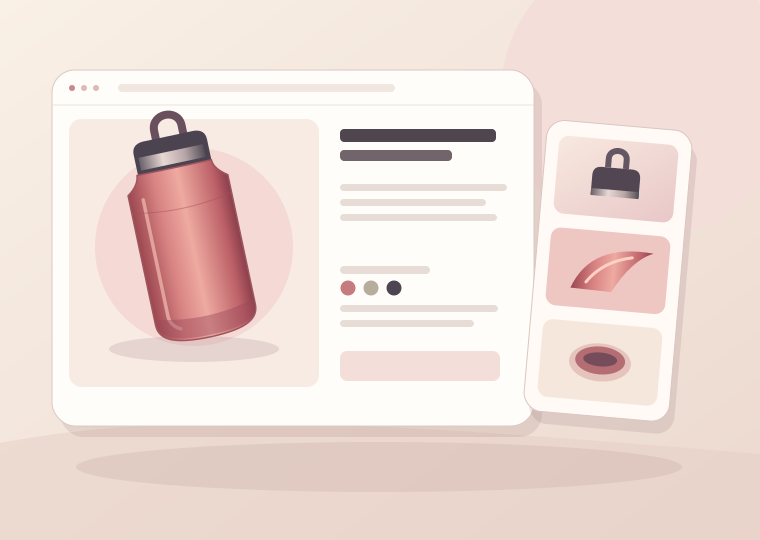
The buyer’s view
Help shoppers judge the product from the page.
Recognize the item
Show the product, its shape and the pieces the shopper actually receives in a clear first view.
Compare the options
Make dimensions, pack contents and model differences easy to check without sorting through unrelated images.
See how it works
Use a detail image or short demonstration to answer a question a spec sheet cannot show on its own.
Listing clarity
Give each asset a job.
Start with the facts your team can confirm. We turn them into a sequence that helps buyers identify, compare and understand the item.
What comes in the box?
Show the exact product, quantity, accessories and packaging. Make it clear when a prop or compatible item is not included.
Will it fit?
Show measurements and scale where they affect the decision. Use the product’s actual dimensions and specify which part was measured.
What changes between options?
Map labels and images to each variant so the selected color, model, size or bundle reflects what the customer receives.
What happens when I use it?
Plan a short sequence or image set that shows setup, a relevant action and a visible result the product can support.

Product demonstrations
Make a short demo answer one question.
Choose a practical use case and show enough context for the viewer to follow it. We plan the opening, the key action and the detail the video needs to make clear.
- Confirm the product version and instructions.
- Plan shots for the action and the detail a buyer needs to see.
- Review the edit for accuracy, pacing and the intended placement.
Illustrative asset sequence
See what a listing gallery can cover.
These examples describe possible content, not completed client work or outcomes.
01
Main image
Show the exact product
Plan an uncluttered view of the item the customer receives, matched to the intended placement.
02
In the box
Make included pieces clear
List the pieces, accessories and quantities, and distinguish them from the styling props.
03
Fit and dimensions
Give the buyer a scale reference
Pair accurate measurements with a clear view of where and how the item fits.
04
Detail view
Show a material or feature up close
Use a close-up for a useful detail, such as a surface finish, attachment or opening mechanism.
05
Variant guide
Show what changes between options
Align the image and label for each size, color, version or bundle.
06
Short demonstration
Explain one action in context
Plan an opening view, the product action and the visible end state for one practical use case.
Review and handoff
Know what to check and what you’ll receive.
Before production
We agree the product facts, scope and review owner so the asset plan reflects the item and the placement.
- Product version and supported claims.
- Shot sequence, file requirements and usage terms.
- The questions each asset should answer.
At delivery
We hand over the agreed assets and make the versions easy to distinguish.
- Organized files named for the product or option.
- Placement and version notes.
- Any facts or follow-up work still to confirm.
Choose a starting point
Scope the assets your listing needs.
We quote after reviewing the product, number of variants, available assets and placement requirements. These starting points show how the work can be grouped.
Gallery plan
For a listing that already has usable images.
- Review existing images and product facts.
- Map the order and purpose of each asset.
- Provide a shot list and revision priorities.
Product photo set
For a product that needs a consistent set of listing images.
- Agree the exact item, angles and placement needs.
- Scope product, detail and use-context images.
- Deliver labeled files for the agreed placements.
Photos and short demo
For a product whose use is easier to show than describe.
- Plan a photo set and one clear video concept.
- Agree a demonstration script or shot sequence.
- Deliver the scoped images and edited video files.
Variant asset library
For several products, sizes or bundles with similar visuals.
- Map assets to the exact variants and options.
- Plan shared and variant-specific images.
- Label versions and record the agreed usage.
Planning questions
Frequently asked questions
What do you need before we start?
A listing or product brief, accurate specs for each version, and any existing imagery you have permission to share. We’ll confirm whether a production sample is needed.
Can you work with our existing photography?
Yes. We can review your assets first and plan around the usable files. New photography or editing is included only when the agreed scope calls for it.
Can you make images for different sizes or bundles?
Yes, when the variants are in scope. We use the product and option records to match each image, measurement and included piece to the right listing.
Can you create a product demonstration?
Yes. We can scope a short video around a practical use case, available footage and the placement you intend to use. We agree the files and usage terms before production.
Do you upload to Seller Central?
This page covers content planning and production. Uploading or account access would be a separate, explicitly agreed task. Please do not share account passwords.
Start an enquiry
Let’s look at the listing together.
Tell us which product you sell, which asset is missing and what the buyer needs to understand. We’ll discuss a starting scope based on what is ready.
Include in your project brief
- A public listing link or product description.
- The marketplace, product version and exact variants.
- Existing assets and any target placement or deadline.
Share public product details. Keep passwords and sensitive account information out of the brief.
Explore the studio
Need content for another marketplace?
Compare our marketplace services and choose the scope that fits the way shoppers find your product.